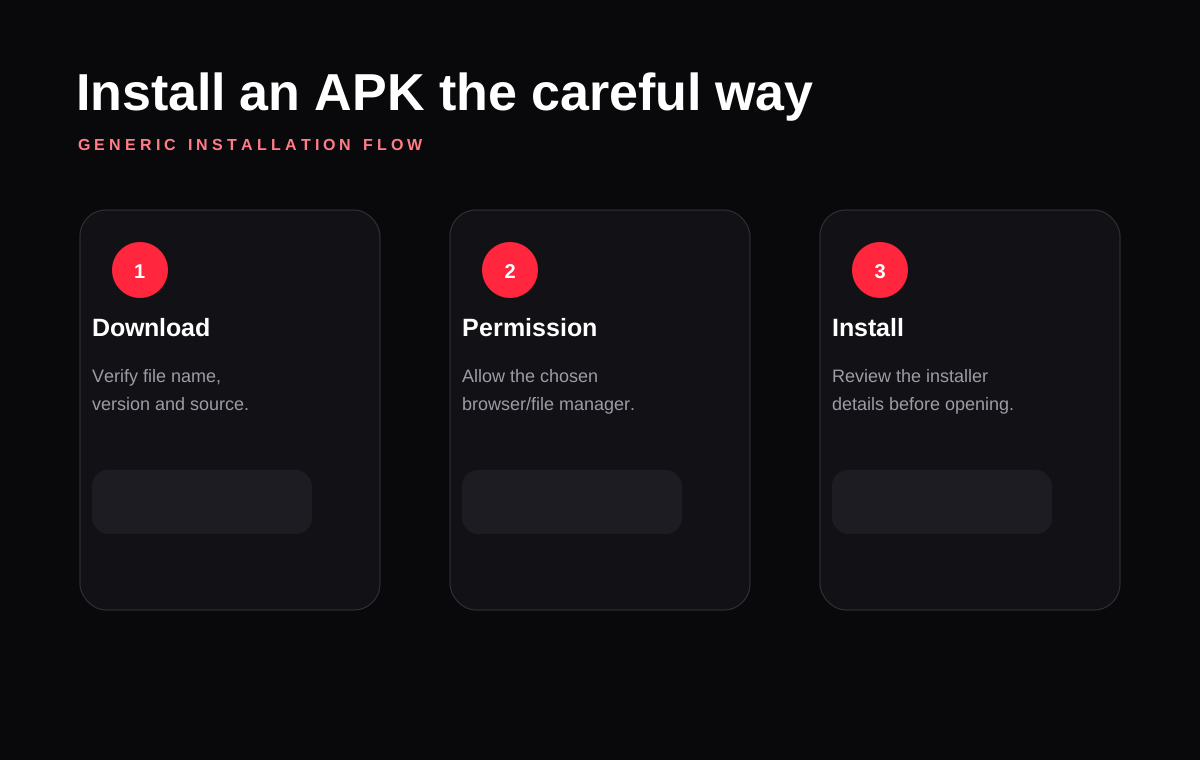
Android phones and tablets use the same APK package format, but the settings screens differ across brands such as Samsung, Xiaomi, OnePlus, Motorola and others. Think of the process as three stages: download, permission, install.
Download from a source you trust
Confirm the file name, version and size before starting the download. If the file suddenly redirects through unrelated pages or begins downloading executable files, stop the process.
Enable the required permission
Android can require a one-time permission for the browser or file manager that launches an APK. This permission is separate from the app permissions requested after installation.
Complete the installation
Open the downloaded APK from your Downloads folder. Review the installer details and proceed only if the package matches what you intended to install.
Keep your device protected
Use built-in Android security scanning when available, keep Play Protect enabled where appropriate and remove the APK if your device flags it as harmful. A website statement such as “100% safe” is not a substitute for device-level checks.